2026-07-27 · vim, plainly · part 2
Vim for DevOps: the server survival kit
Nine no-config Vim tricks for the day you're SSH'd into a broken box: sudo saves, log triage, vimdiff, and friends.
On this page
- Forgot sudo? Save anyway
- Pretty-print JSON without leaving the file
- Log triage with :g and :v
- Read command output into the file you're editing
- Diff two configs like an adult
- Comment out 30 lines of YAML in four keys
- Increment numbers, including a whole column
- Undo by time, not by keystroke
- When SSH drops mid-edit
- Make everything else use Vim
Here's the DevOps case for Vim in one sentence: the day production breaks, your fancy editor is not invited.
You'll be SSH'd into a box you've never seen, or exec'd into an Alpine container where the only editor is busybox vi. No VS Code remote, no plugins, no config. Just you, a broken YAML file, and whatever muscle memory you brought. Nano might not even be installed. vi always is. It's in POSIX.
So this post is not about making Vim pretty. It's the small set of tricks that pay off when you're on someone else's machine at 2am. Everything below works in plain Vim with zero config.
Forgot sudo? Save anyway
You opened /etc/nginx/nginx.conf, made your edits, and :w says readonly. Don't quit and lose the changes:
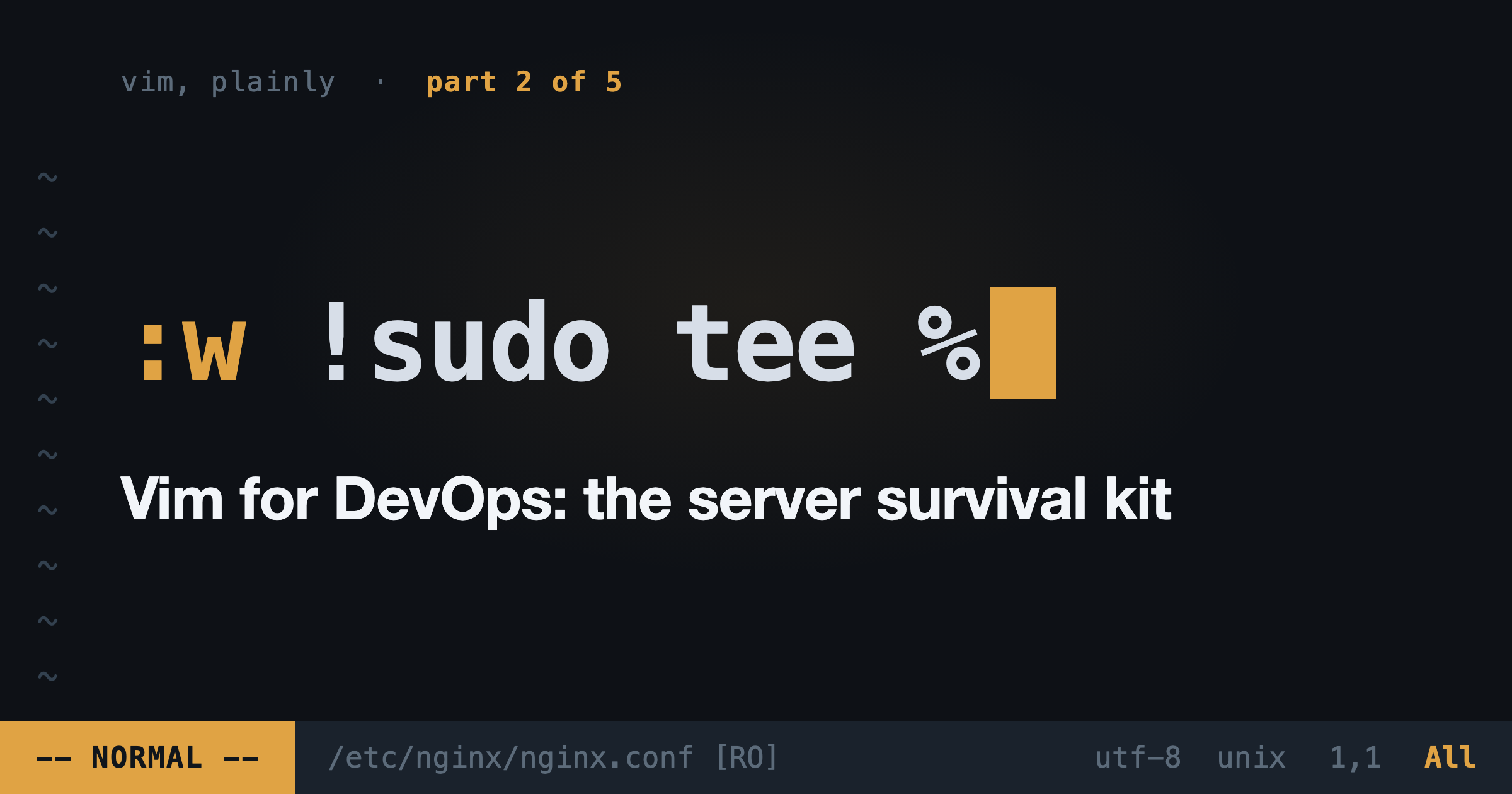
:w !sudo tee % > /dev/nullThis pipes the buffer through sudo tee into the file. Vim will warn that the file changed on disk; press L to load it. Ugly, saves you a redo, works everywhere.
Better habit for next time: sudoedit /etc/nginx/nginx.conf. It copies the file, opens it as you (your vimrc, not root's), and puts it back with the right privileges on save. Running sudo vim gives your entire plugin pile root. Sudoedit doesn't.
Pretty-print JSON without leaving the file
Kubernetes secrets, API dumps, one-line JSON blobs from a log:
:%!jq .% means "the whole file", ! means "filter it through a shell command". No jq on the box? :%!python3 -m json.tool does the same job. This works with any filter: :%!sort -u, :'<,'>!column -t on a visual selection, whatever the box has installed.
Log triage with :g and :v
You've got a 40,000-line log open. Two commands turn it into a report:
:g/DEBUG/d      " delete every line matching DEBUG
:v/ERROR/d      " delete every line NOT matching ERROR
:g is "global": run a command on every matching line. :v is its inverse. Ten seconds and the noise is gone. u brings it all back.
Read command output into the file you're editing
Writing an incident doc or a runbook and need the actual state of the cluster in it?
:r !kubectl get pods -n prod
:r !date -u
:r !cmd inserts the command's output below the cursor. I use this constantly for postmortems: the evidence goes straight into the doc, no copy-paste round trip.
Diff two configs like an adult
Staging works, prod doesn't, and you suspect the config:
vimdiff prod.conf staging.conf]c jumps to the next difference, [c back. do pulls the other side's version into your file, dp pushes yours to theirs. Yes, this is the same dp that does nothing useful in normal mode. In diff mode it earns its keep.
Comment out 30 lines of YAML in four keys
Visual block mode is the closest thing Vim has to a party trick that's also useful:
- Put the cursor on the first line, press
Ctrl-v - Press
juntil you've selected down the column - Press
I, type#, pressEsc
The # appears on every selected line. Same trick deletes a column (x instead of I#), which is how you un-comment.
Increment numbers, including a whole column
Ctrl-a increments the number under the cursor, Ctrl-x decrements. Handy alone for ports and replica counts. The good part: select a column of identical numbers with Ctrl-v, then press g Ctrl-a, and Vim increments them sequentially: 1, 2, 3, 4. Instant numbered list, instant unique node names.
Undo by time, not by keystroke
You've been hacking on a config for ten minutes and it's worse than when you started:
:earlier 10m    " the file as it was 10 minutes ago
:later 5m       " forward again
Vim's undo is a tree with timestamps, not a single stack. Add set undofile to your own machines and undo history even survives closing the file.
When SSH drops mid-edit
Your connection died with unsaved changes. The changes aren't gone. Vim left a swap file:
vim -r /etc/haproxy/haproxy.cfg-r recovers from the swap. Save, then delete the .swp file when Vim nags about it next time.
Make everything else use Vim
Two lines in your dotfiles and the whole toolchain follows:
export EDITOR=vim
export KUBE_EDITOR=vim   # kubectl edit
Now kubectl edit deployment, git rebase -i, crontab -e, and visudo all drop you into the editor you actually know. Which, after part 1, is the point: one grammar everywhere.
Next: what if your day job lives in VS Code? You can have both.