2026-07-27 · vim, plainly · part 1
Vim is a language, not a shortcut list
The grammar model behind Vim: verbs, nouns, counts, and the dot command. The post I needed back when I kept putting it off.
On this page
I put off learning Vim for years. The excuses were the usual ones: the learning curve looked steep, modal editing felt alien, and I had work to do. A post by George Ongoro finally pushed me over the edge. His whole point was "I wish I'd started sooner." He's right. So instead of writing another "you should try Vim" post, I'm writing the post I needed back then: the one that explains how Vim actually thinks.
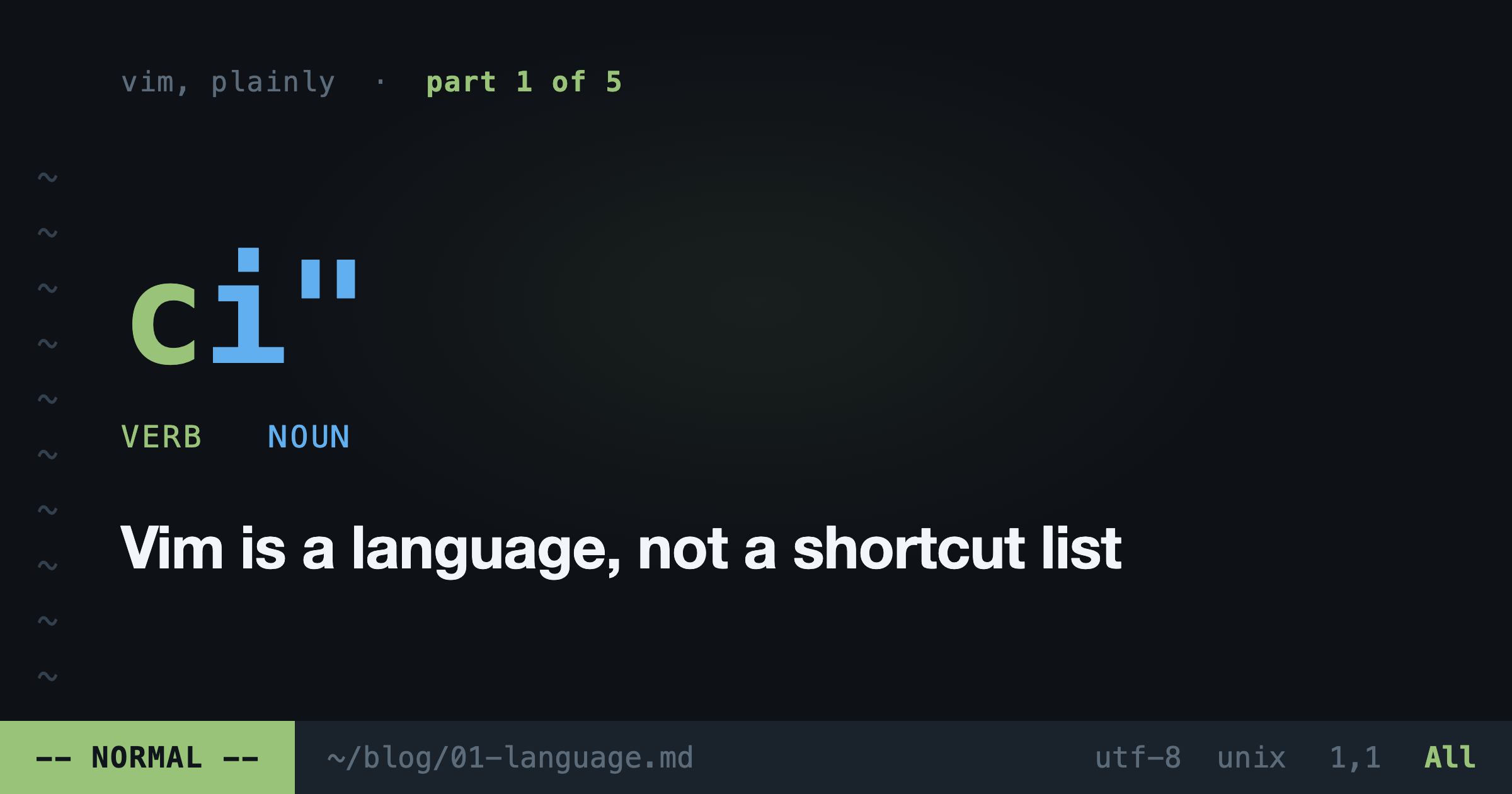
Here it is: Vim commands are not shortcuts. They are sentences.
Why editing beats typing
First, the argument for caring at all. You spend maybe 10% of your time writing new code and 90% editing code that already exists. Reading it, renaming things, deleting blocks, moving lines around.
Almost every editor is optimized for the 10%. Vim is optimized for the 90%. That's the whole bet. Insert mode exists, but it's the room you visit, not the house you live in.
The grammar
Every Vim edit is a sentence with a verb and a noun.
Verbs: d (delete), c (change), y (copy), > (indent).
Nouns: iw (inner word), ip (inner paragraph), i( (inside parens), it (inside an HTML tag).
Put them together and you get sentences:
dw= delete wordci"= change inside quotesyap= copy a paragraph>i{= indent everything inside the braces
Learn 5 verbs and 10 nouns and you don't know 15 commands. You know 50 sentences. That's the difference between memorizing phrases from a travel guide and speaking the language.
One precision note, because Vim readers will check: vt) selects up to but not including the closing paren. If you want the paren too, that's vf). t means "till", f means "find and land on". Small difference, one character, and exactly the kind of thing that matters when you're editing a nested function call.
Text objects know your code better than you do
ci{ changes everything inside the nearest curly braces. Your cursor can be anywhere inside the block. Vim finds the boundaries for you.
This is the part that ruins other editors for people. In a normal editor, "replace this function body" means: grab mouse, click the start, hold shift, click the end, hope you didn't miss a character, type. In Vim it's three keys. Your hands never confirm where the block starts or ends. Vim already knows.
The i and a prefixes are the rule to remember. i is "inner": just the content. a is "around": the content plus its delimiters. di" empties the quotes, da" removes the quotes too.
The dot command
The cheat code nobody tells beginners: . repeats your last change.
Renamed a variable with ciw? Press * to search for the word under your cursor, n to jump to the next occurrence, . to repeat the rename. You stop performing edits and start stamping them across the file. Find, stamp, find, stamp. Skip one? Just press n again.
Numbers are adverbs
Every command takes a count. dw deletes a word. d3w deletes three. 4dd deletes four lines.
The number isn't a trick. It's an adverb. You're saying "do this, three times" the way you'd say "knock twice." After a while you stop seeing a wall of characters and start seeing quantities.
The speed is not the point
People think Vim experts love it because it's fast. Wrong. They love it because it's quiet.
When editing takes zero mental effort, your whole brain stays on the problem. No reaching for the mouse, no arrow-key marching, no context switch between thinking and typing. The editor disappears. That's the actual trick: not speed, absence.
What week one actually looks like
I won't sugarcoat it. Week one is slow and you will hate it a little. Here's the survival plan:
- Learn exactly eight things:
i,Esc,hjkl,:w,:q,u,dd,p. Nothing else. - Week two, add the grammar:
d,c,y, plus motionsw,b,e,0,$,f,t. - Week three, text objects and the dot command. This is the week it clicks.
Run vimtutor in any terminal for a guided 30 minutes. It ships with Vim. It's better than most paid courses.
And if you're not ready to leave your editor: you don't have to. You can get this grammar inside VS Code, inside your browser, even inside your shell. That's the rest of this series.
Next up: the Vim tricks that matter when you're SSH'd into a broken box at 2am.